
Point and shoot
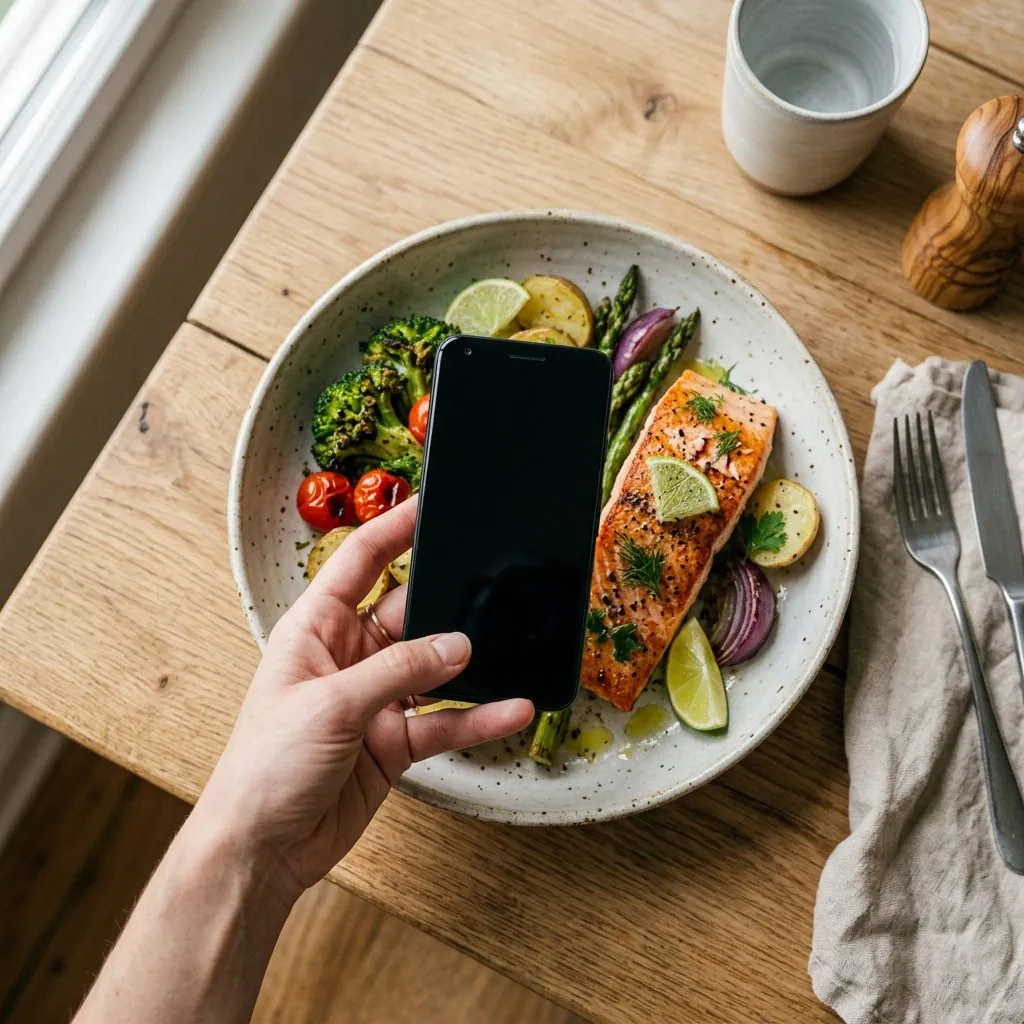
Calvy recognises the dish and estimates the portion. When the model is not confident, it says so on screen instead of quietly inventing a number.
Every food diary dies on day four, when you get bored of typing "chicken breast, 180 g". So point the camera at the plate instead. Calvy names the dish, estimates the portion and fills in your day.
Free to start. No card, no weighing scales, no spreadsheet.


Try it right now
Most people miss by a few hundred. Tap a plate to see what Calvy returns.
Numbers are what the app returns for these photos. In the app you can correct any of them in two taps.
How it works
Photograph it, say it or scan the label. Everything lands in the same daily budget, so the day adds up however you logged it.
Calvy recognises the dish and estimates the portion. When the model is not confident, it says so on screen instead of quietly inventing a number.

"Chicken bowl, half an avocado, flat white." Handy when the plate is already empty, which is most of the time.

For everything with a label: yoghurt, protein bars, the cereal you eat standing up in the kitchen at midnight.
Daily score
Calories tell you how much. They say nothing about how well. Calvy scores the balance of your day out of 100, so a day of chicken and vegetables stops looking identical to a day of biscuits with the same number at the bottom.

Inside the app
No dashboard to learn, no settings to configure before the first meal. The day sits on one screen and the camera is one tap away.


AI coach
The hard part is rarely the counting. It is standing at the fridge deciding what to do about it. Attach today's meal, ask a question, get an answer that already knows your numbers.
Calvy gives general nutrition guidance based on what you log. It is not medical advice, and it does not replace a doctor or a dietitian.


Targets that move with you
Height, weight, age and goal set the targets. Lose a kilo and they shift. Nothing here tells you to eat 1,200 calories because a template said so, and nothing asks you to give up bread.
Before you start
Accurate enough to steer a week, not accurate enough for a laboratory. Calvy estimates from what it can see, so a bowl of stew hides more than a chicken breast does. Every number stays editable, and when the model is unsure it says so instead of inventing a figure.
No. Portions are estimated from the photo and you can adjust them by hand. If you own kitchen scales and like using them, type the exact grams and Calvy uses those instead.
Logging meals and seeing your day will be free. A paid plan will add the AI coach and unlimited history. The price and the renewal date are shown before you pay, and you cancel from your App Store or Google Play account in a few taps.
Calvy is a food diary with estimates, not a medical device. If you are managing diabetes, an eating disorder, pregnancy or anything else where nutrition is part of treatment, talk to your doctor first and treat our numbers as background information.
They are processed to recognise the meal and stored with your journal so you can look back at what you ate. You can delete a photo, a meal or your whole account from inside the app, and deletion is real.
Logging and editing work offline. Photo, voice and barcode recognition need a connection, because the recognition runs on our servers rather than on your phone.
One photo, and the day fills itself in. That is the whole onboarding.
See it work Launching soon on the App Store and Google Play.